Sillua Guide
Turn a Photo Into a Painting
Prepared by Sillua Atelier · Updated
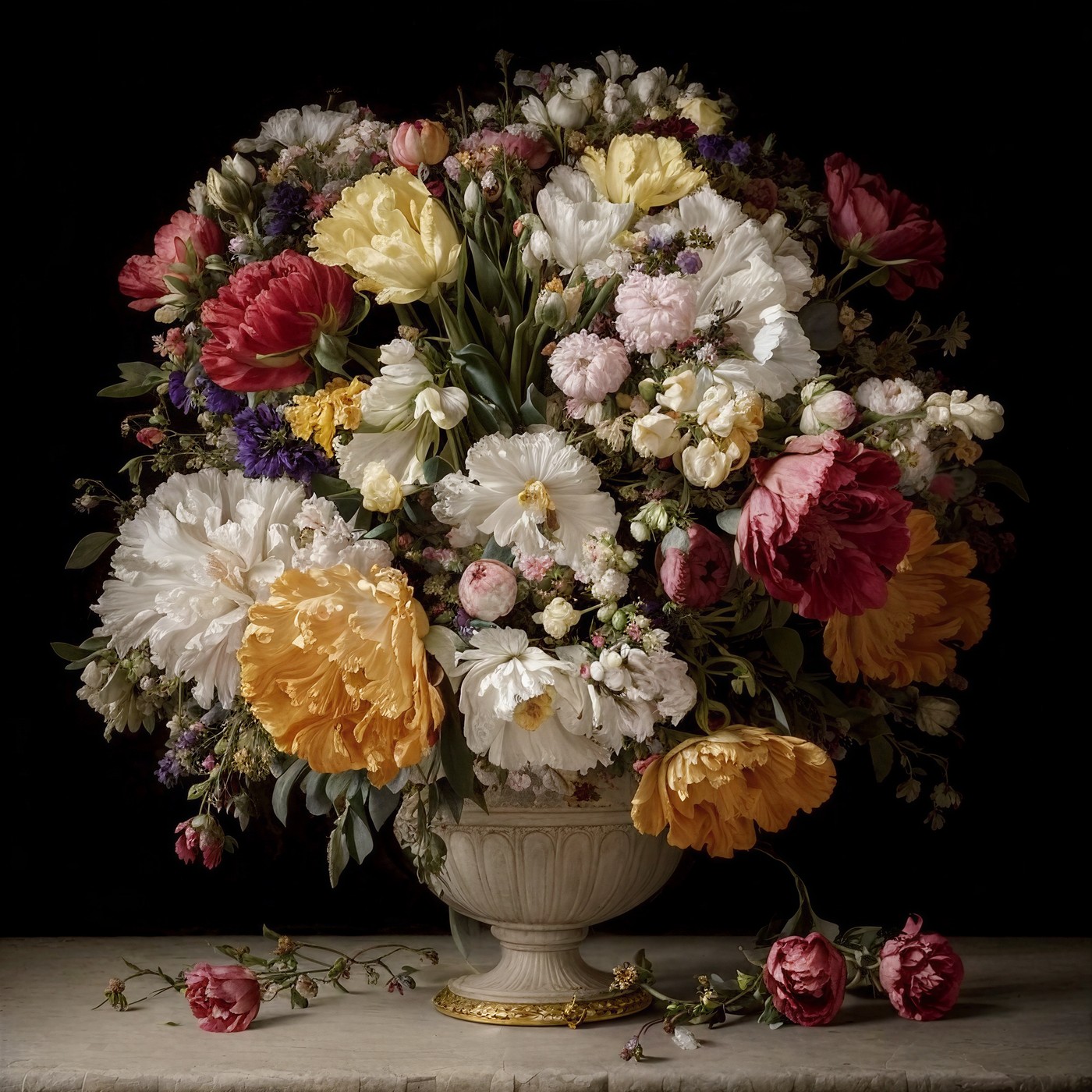
Turning a photo into a painting means interpreting a digital or printed photo as an artwork such as an oil painting, watercolor, pencil drawing, or illusion art. You can commission an artist by hand or work with a studio that specializes in personalized art. The finished piece may be delivered as a digital file, a poster, or a canvas print.
Below you'll find the methods, style options, how to choose the best photo, and what to expect in price and time.
Ways to turn a photo into a painting
- By hand (artist commission): Offers full handcrafted artistry, but is usually expensive and takes days or weeks. The result depends on the artist's interpretation.
- Commission it from a studio (Sillua): You upload the photo and choose a style. After payment, 10 designs are prepared and you select one in your private gallery. Digital and canvas options are available.
Which styles are available?
- Classic oil and baroque: Rich texture and a museum feel.
- Impressionist: Soft light and visible brushwork.
- Pencil and sketch: Simple, elegant, black and white.
- Still life and landscape: Floral and nature-themed compositions.
- The Sillua difference, hidden portrait illusion: Your face is concealed inside a floral painting. At first glance, it is a painting. When you squint, the portrait appears.
Choosing the best photo for the result
- Choose a sharp, in-focus photo; blurry shots weaken the detail.
- Prefer good, balanced light; avoid very dark or blown-out exposures.
- A single, clear subject works better than a crowded frame.
- For a couple or family photo, make sure the faces are close together and clearly visible.
- If you plan to print, use a high-resolution file.
Print options: digital, canvas, framed
You can receive your artwork in different forms: a digital file available after you select a design, a canvas stretched on a wooden frame and ready to hang, or a framed canvas.
With Sillua, you first see your digital artwork, and if you like it you order the same piece as a canvas; the amount you paid for the digital is deducted from the canvas price, so you only pay the difference.
What to expect in price and time
A hand-painted commission is usually the slowest method and often costs more. A specialist studio offers a guided process and several style choices. Canvas orders also require printing and shipping after the artwork selection.
Step by step: Steps to turn a photo into a painting (Sillua)
- Upload your photo. Choose and upload a sharp, well-lit photo.
- Choose a style. Pick from baroque florals, still life, landscape, or the hidden portrait illusion.
- Preview your artwork. Review 10 designs prepared for you and select one in your private gallery.
- Choose digital or canvas. Download the digital file or upgrade to a canvas print.
- Receive it. Download the digital artwork you selected, or wait for your canvas to be printed and shipped to your address.
Frequently Asked Questions
How long does it take to turn a photo into a painting?
With Sillua, the digital artwork is prepared quickly after you order and appears in your gallery. Only production and shipping time is added for a canvas. Artist commissions by hand can take days or weeks.
Which photo gives the best result?
Sharp, well-lit photos with a single subject and high resolution give the best result.
Should I choose digital or canvas?
You can decide after seeing the digital first; if you like it, you upgrade the same piece to canvas and the digital fee is deducted from the canvas price.
How can I use the artwork?
The delivered artwork is for your personal use; printing at home, keeping it digitally, or hanging it as a canvas is fine. Commercial use is not included.
What is the Sillua difference?
Unlike standard photo-to-painting services, Sillua prepares hidden-portrait illusion artworks that conceal your face inside a floral painting.
Turn your photo into a work of art
Upload your photo, choose your style, and have it waiting for you as a digital file or a canvas.
Explore hidden portrait styles